Toddler Mode · by the Duckling nest
Turn your Mac or iPhone into a toddler-safe toy.
Toddler Mode turns a Mac or iPhone into a safe, joyful toy. Colorful keyboard-mashing, bubble popping, a pretend phone with animal friends, camera play, and a kid-safe viewer for your family photos. Everything stays inside the app. No calls, no deleting, no surprise purchases.
Free & open source · macOS 13+
Coming soon to the App Store
Your toddler wants your phone. Give them theirs.
One lunge at your keyboard sends a half-written email and enables VoiceOver. One grabbed iPhone deletes three photos and calls your boss. Toddler Mode gives little hands the lights, sounds, buttons, apps, and family photos they want. Your real phone stays safe.
On iPhone: six play modes & kid-safe photos
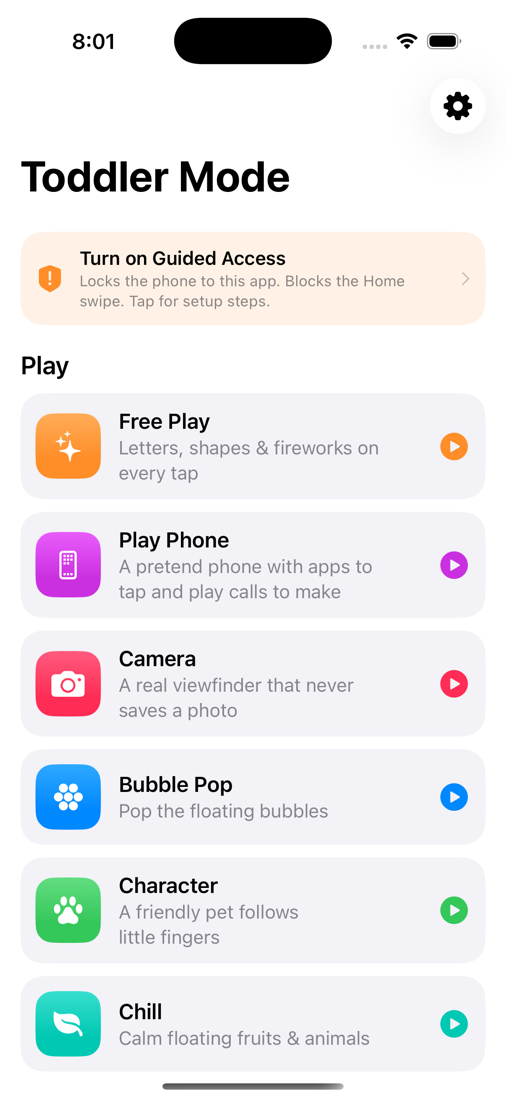
Full-screen sessions a toddler can't wander out of. The app softens the first swipe, and iOS Guided Access locks the phone completely. Toddler Mode walks you through the Guided Access setup and verifies it worked. Exiting takes a two-corner hold plus a grown-up check: a multiplication question, a PIN, or Face ID.
Play Phone
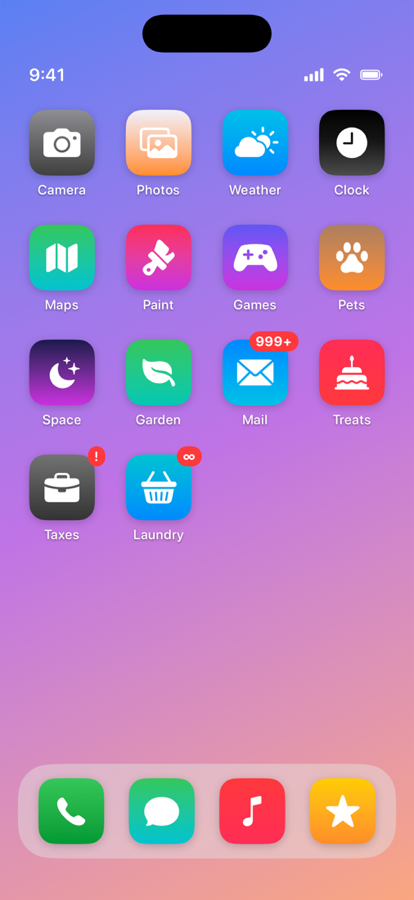
A pretend iPhone that opens on a lock screen and holds 40 little apps on three swipeable home screens. Kids paint, play piano, bathe a rubber duck, build a pizza, hear a story read aloud, and launch a rocket. Add Grandma or Dad with a photo, and the kid can call real faces. Animal friends text and call in now and then. Every call is pretend. The contact list is for you: "Deborah — has declined your last 6 calls."
Camera play
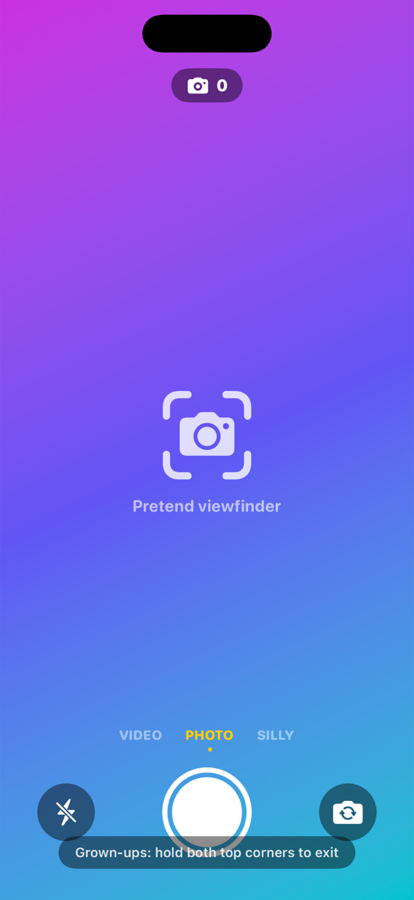
The real viewfinder, selfie or rear, with a shutter flash, flip button, and shot counter. It cannot save or send a single photo. Nothing is stored.
Kid-safe family photos & videos
A slideshow or swipe-through gallery of photos and videos you choose: hand-picked, whole albums, or everything except albums you exclude. Videos play with no controls. The app has no sharing, editing, or deleting anywhere.
Free Play
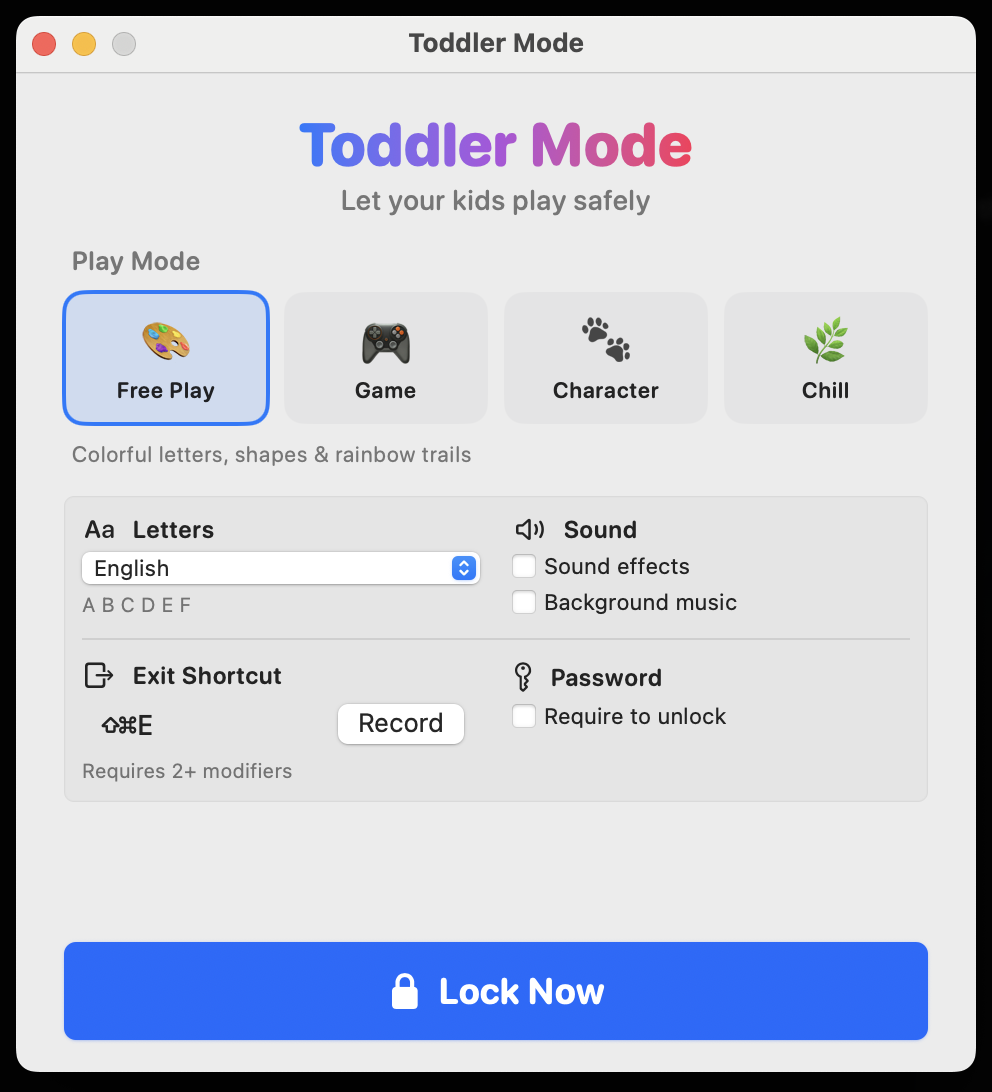
Letters, shapes and fireworks on every tap, with pleasant pentatonic tones. Letters come in English, Arabic, Chinese, Hebrew, Japanese, or Korean.
Bubble Pop & Character
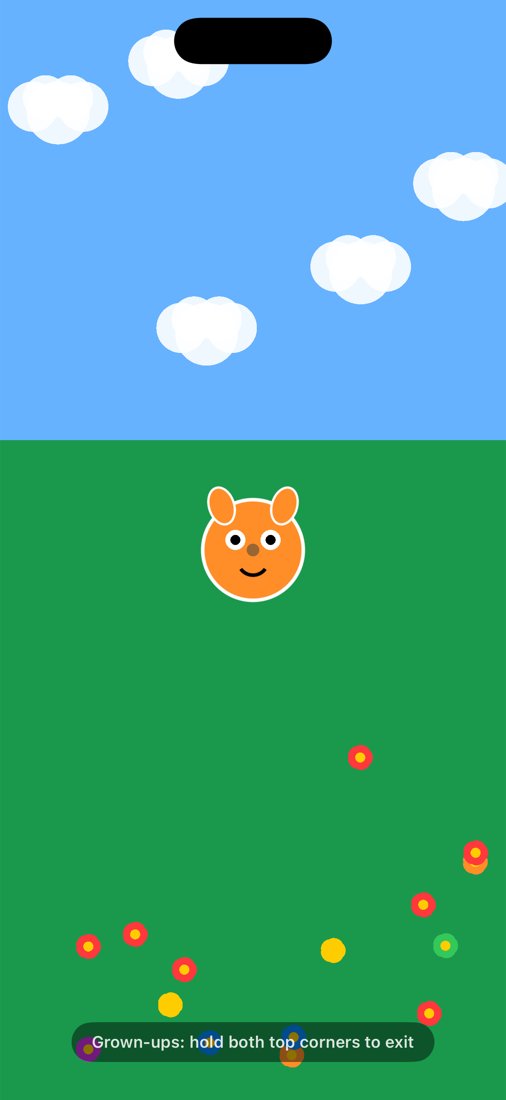
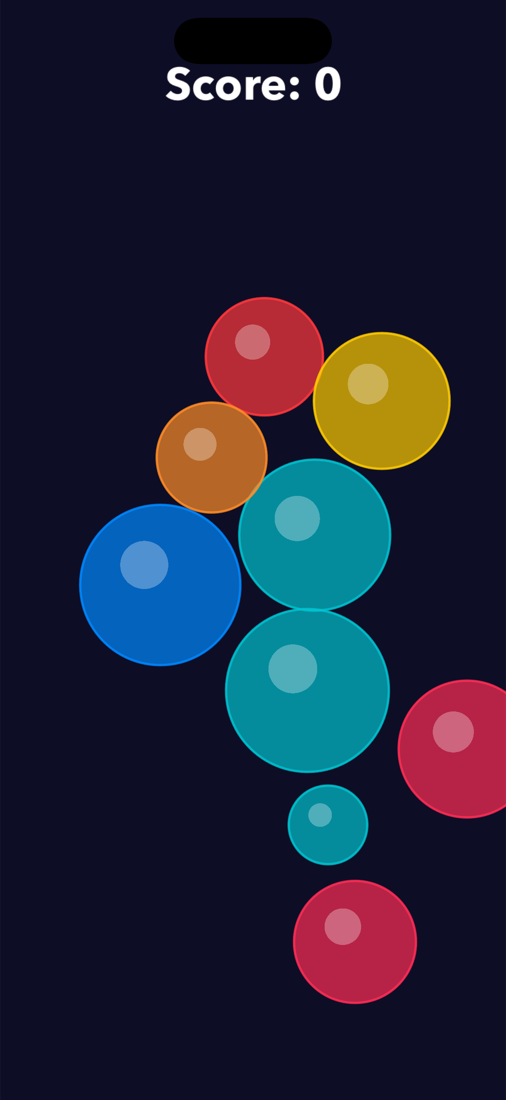
Satisfying bubble popping with a score counter, and a friendly pet that chases little fingers and leaves paw prints.
Chill
A calm wind-down scene of floating fruits and sleepy animals for the last ten minutes before bed.
Infant, Toddler, or Lively
One tap sets the play style. Infant turns every scene high-contrast black and white with slow, big, quiet motion for babies under one. Lively speeds everything up.
Haptics, shake & tilt
Every tap has a haptic tap. A shake sets off a burst in every scene. Tilting the phone steers the shapes and bubbles.
Volume cap, play timer & bedtime
A max volume setting keeps the volume buttons in check. An optional timer dims the screen and chimes a couple of minutes before a calm break screen. Bedtime mode offers only calm play after a time you set. A home screen widget starts play with one tap.

On Mac: the original keyboard-masher
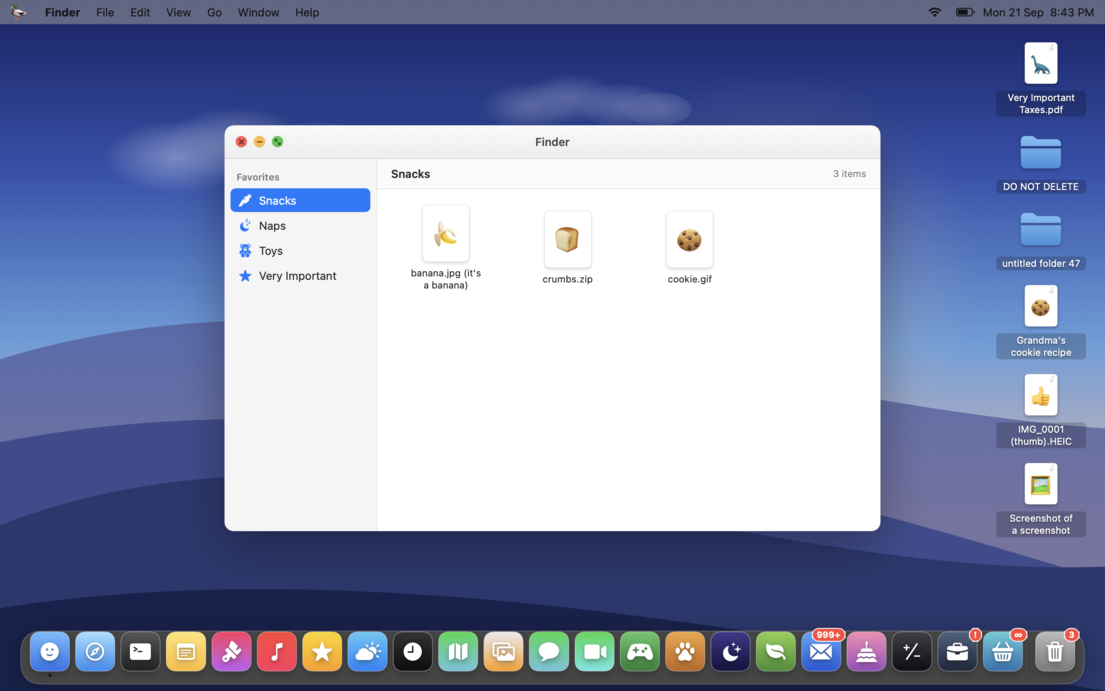
One click locks the whole machine. The app blocks Cmd-Tab, Mission Control, volume keys, and trackpad gestures. Version 1.7 brings the iPhone modes to the Mac: a pretend Mac with a dock and 23 little apps, camera play with silly filters, kid-safe family photos and videos, and the Infant, Toddler, and Lively play styles. Exit with your own shortcut, a math question, or a password. There is also an emergency unlock, because parents forget shortcuts.
Built like everything from the nest
Questions parents ask first
How do I lock my iPhone screen for a baby or toddler?
Start a Toddler Mode session and hand the phone over. The app softens accidental swipes and hides the system chrome. For a complete lock, the wizard walks you through iOS Guided Access, Apple's built-in single-app lock, and turns green once it verifies the lock works. Exiting the app takes a deliberate two-corner hold plus a grown-up check: a multiplication question, a PIN, or Face ID.
Can my toddler delete or share our photos?
No. The photo modes only display photos and videos. The app has no share, edit, or delete function anywhere, and you control which photos and albums appear.
Does the pretend phone make real calls?
Never. The dialer, the ringing, the animal friends, and the fake Messages app are all theater. The app contains no real telephony. (The contact names are jokes for you. Sir Oinksalot, Bedtime Attorney at Law, is standing by.)
Does Camera mode save photos of my child?
No. The camera session has no photo output attached, so it cannot capture, save, or send anything. The shutter is pure show business: flash, click, star burst, happy toddler.
Can I limit how long a session lasts?
Yes. Set an optional play timer in Settings. It is off by default. When time ends, the screen changes to a calm break scene. The parent gate still controls the exit, so a child cannot restart play alone.
Is it really free?
The Mac app is free and open source, no strings. The iPhone app is coming to the App Store. Neither has ads or data collection. Same promise as everything Duckling makes.
What Macs and iPhones does it support?
Mac: any machine on macOS 13 (Ventura) or later, Apple Silicon or Intel. iPhone: iOS 16 or later (iPad works too).
Ten quiet minutes.
Download it before the next lunge at your keyboard.
Download for Mac (free)iPhone version coming to the App Store